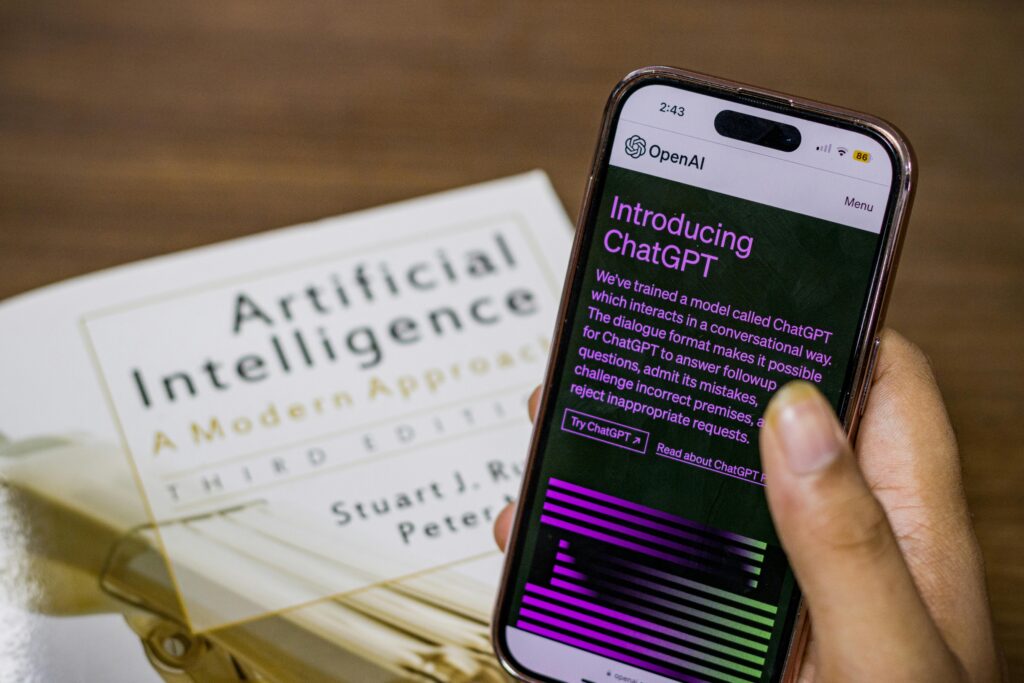
Most beginners use ChatGPT like a basic Google search box. They type in a simple, one-sentence phrase like “Write a blog post about fitness,” and then feel frustrated when the AI spits out generic, boring, and robotic paragraphs.
The truth is: ChatGPT is only as smart as the prompt you give it.
If you want elite results, you have to stop asking questions and start using a structured prompting system. In this guide, we are breaking down the exact R-A-C-E Framework that top AI prompt engineers use to automate workflows, write high-converting copy, and save hours of manual work every single week.
What is the R-A-C-E Prompting Framework?
Instead of typing random sentences, the R-A-C-E formula forces you to give ChatGPT four critical components that it needs to generate highly accurate, human-like outputs.
Element
What It Means
Why It Matters
Role
Assign a specific persona or profession.
Sets the tone, expertise level, and vocabulary.
Action
Define the exact task you need completed.
Tells the AI precisely what deliverable to build.
Context
Provide background data, target audience, or constraints.
Prevents the AI from guessing or making things up.
Execute
Set strict rules for formatting and style.
Ensures the layout matches your exact platform needs.
Breaking Down the Steps
Let’s look at how this works in the real world so you can stop copying generic prompts and start building your own.
1. Role (Who is ChatGPT?)
If you don’t tell ChatGPT who it is, it defaults to a generic assistant. By assigning a role, you unlock specialized knowledge.
Bad: “Write a caption…”
Good:"Act as an expert social media strategist and viral copywriter who specializes in tech niches."
2. Action (What is the task?)
Be incredibly specific about what you want the AI to create. Use strong action verbs.
Bad: “Tell me about marketing.”
Good:"Create a 5-slide educational Instagram carousel outline..."
3. Context (What are the details?)
This is where 90% of people fail. You must feed the AI the background information. Who is the target audience? What is the core problem?
Bad: “…for a tech blog.”
Good:"The target audience consists of freelance graphic designers and beginners who are struggling to get views on their content. The tone should be highly encouraging but authoritative."
4. Execute (How should it look?)
Tell the AI exactly how to present the information. Do you want bullet points? A markdown table? A specific word limit?
Bad: “…and make it good.”
Good:"Output the response in a clean table layout splitting the text by Slide Number, Visual Hook Suggestion, and Exact Slide On-Screen Text. Do not include any intro or outro conversational text."
💡 The Golden Rule of AI Prompting
Treat ChatGPT exactly like a highly talented, elite human intern. If you give an intern vague instructions, they will deliver a messy project. If you give them clear boundaries, examples, and structured frameworks, they will deliver flawless work.
Here are three plug-and-play frameworks built using the R-A-C-E formula that you can copy, adjust, and drop into ChatGPT right now:
Template 1: The Content Writer Pro
Plaintext
[ROLE]: Act as an expert SEO blog writer who writes in an engaging, conversational, yet authoritative tone.
[ACTION]: Write a 500-word introduction section for a blog post titled "Top 5 AI Tools for Web Designers in 2026."
[CONTEXT]: The target audience is beginner freelance designers who want to speed up their development time. They are afraid of coding.
[EXECUTE]: Write in short, scannable paragraphs (max 3 sentences per paragraph). Use bold text for emphasis on key phrases. Do not use generic filler words like "In today's digital landscape."
Template 2: The Social Media Growth Engine
Plaintext
[ROLE]: Act as a viral digital marketing manager who understands consumer psychology.
[ACTION]: Generate 5 high-converting hooks and matching captions for a short video Reel.
[CONTEXT]: The video showcases a quick trick to edit videos faster using the VN Video Editor app. The audience is busy content creators.
[EXECUTE]: Format each hook as a bold headline, followed by a bulleted list for the caption details. Include a clear call-to-action to "Click the link in bio" at the absolute end.
Your Next Steps
Now that you have the framework, open up ChatGPT and try converting your next task into a R-A-C-E formula prompt. You will notice an immediate difference in how human, sharp, and helpful the answers become.
Bookmark LeeTech.in for more zero-fluff AI workflows and web design tutorials built to scale your digital presence!